Get your contacts out of WhatsApp.

Answers stream in as it types. Ask anything: “how do I link Wassenger?”, “walk me through iMazing”, “is this safe / PDPL ok?”
What we actually need
Three different things live on your phone. Enrichment needs the first two; the third just bloats the export. Get this right and the rest is easy.
| What's on your phone | Need it? | Why / what we do with it |
|---|---|---|
| Contacts — phone numbers + the names you saved them under | ✓ Yes — the list | The spine. Each number gets enriched into name · title · company · email · LinkedIn. |
| Chat metadata — who you message, the saved name, how recently | ✓ Yes — signal | Tells us who you actually deal with so we prioritise. We use the who and when, not the words. |
| Message text & voice notes — the conversation itself, typed or spoken | — Not needed (yet) | Today we work from the contact list and who/when, not the contents. This is the one part that could add understanding — intent, what was discussed, how warm the relationship is — if we layer on conversation analysis later. Not used now, and audio is heavy to carry. |
| Media — photos, videos, documents | ✗ Skip it | No enrichment value, and bloats the export to gigabytes. |
The tools — get them here
Native apps only. Never install a third-party “WhatsApp extractor” — they’re malware and a ban risk.

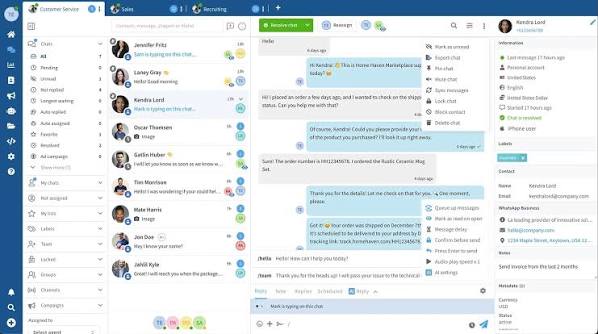

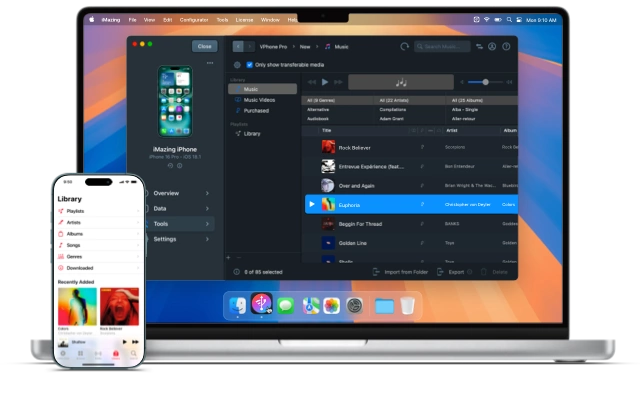

.vcf file. Free, in the browser.
The steps
We add your number as a device
 Scan the QR from WhatsApp Business
Leave it connected while it syncs
Done — we pull the data
No backup, no upload, nothing to install. Bring your phone, we run iMazing in front of you, and you walk out with it done.
 Book a 1-hour Extract session
Bring your iPhone to the session
Walk out done
Common problems
| Problem | Fix |
|---|---|
| The export is huge / takes forever | You're including media. Re-export without media — CSV/Excel only. |
| iCloud Contacts looks empty / missing numbers | Contact sync is off. Settings → [your name] → iCloud → Contacts ON, wait a minute, refresh icloud.com. |
| iMazing only shows WhatsApp under "Backups" | Use the Discover view, not Backups → WhatsApp. It may need one fresh backup first (~10 min). |
| QR won't scan / "can't link device" | WhatsApp allows up to 4 linked devices. Remove an old one in Linked Devices, then rescan. |
| Two WhatsApp numbers (personal + business) | Export the Business one — that's where the customer chats are. |
| Numbers missing the country code | Fine — we normalise to E.164. Just don't delete the +971 where it's there. |
| You're on Android (no iMazing) | contacts.google.com → Export; chats via WhatsApp → chat → ⋮ → Export chat → Without media. |
| Worried about privacy | Your own data, for your own outbound. We use numbers, names and dates — never message contents (UAE PDPL). |
Extract → Enrich → HubSpot
The middle step is the one that matters. Don't import the raw export straight into HubSpot — you'd get a CRM full of bare numbers and saved names, nothing you can sell from. Enrichment comes first, and it's the whole point:
The full method, tools and honest hit-rates are on the engine page: enrich.articulate-ai.work.